Streaming Questions Answered
Short questions, straight answers. Tap a question to open it.
Do I need a smart TV to use a streaming device?
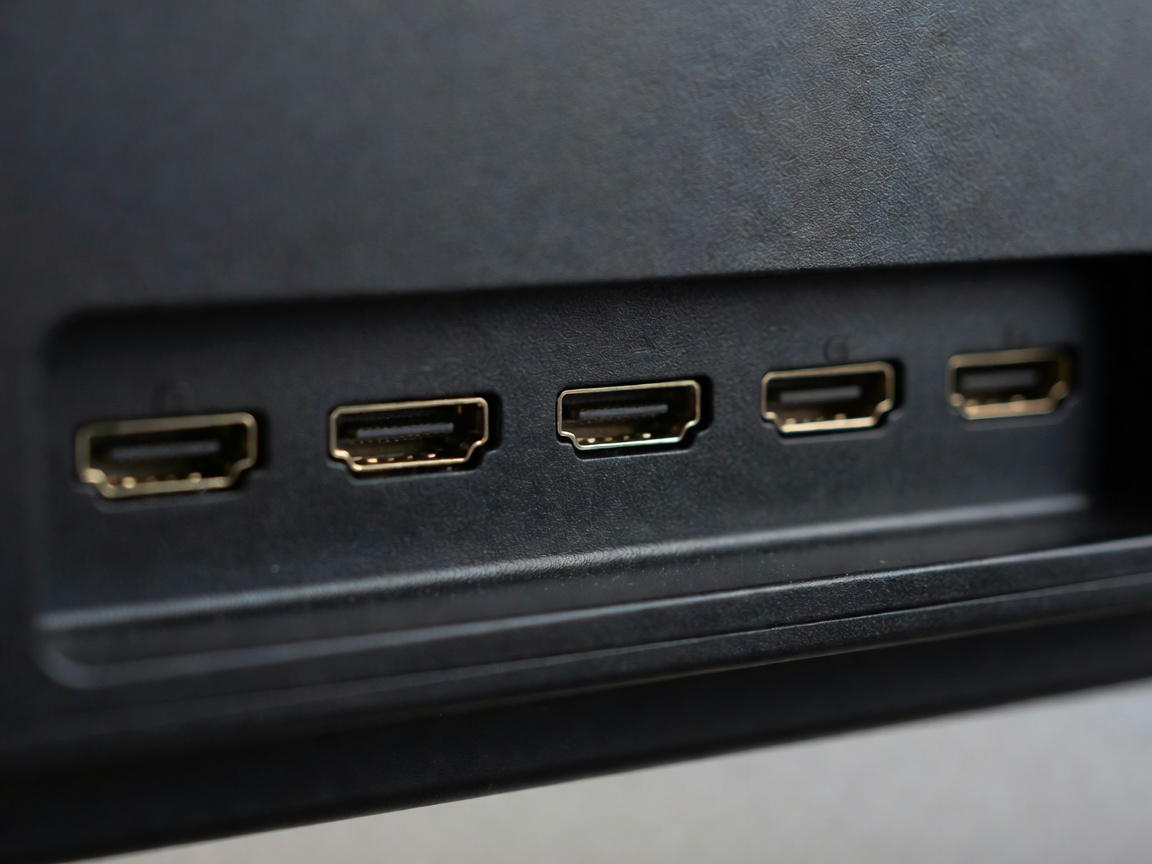
No. Any TV with a free HDMI input works. The device brings its own apps, menus and remote.
Will a 4K streamer work on my 1080p TV?
Yes. It outputs 1080p automatically and is ready for a 4K TV later.
Do streaming devices have a monthly fee?
No. You buy the hardware once and pay only for the subscriptions you choose.
How fast does my internet need to be?
Netflix recommends about 15 Mbps for 4K. Aim for 25 Mbps or more per 4K stream to leave headroom for other devices in the house.
Why bother if my TV already has apps?
TV makers often stop updating apps after a few years. A streamer is faster, gets updates for longer and costs far less than a new TV.
My TV is very old and has no HDMI. What can I do?
An HDMI-to-composite converter works for basic viewing, but picture quality will be limited. At that point a budget new TV may be worth it.
Can I use the streamer remote for TV volume?
Yes on all five picks, via HDMI-CEC or infrared codes set up during installation. See remotes and menus.
Should I connect by Ethernet or Wi-Fi?
Ethernet is the most stable. Wi-Fi 6 or 6E works well if the router is in the same or next room.
Where do I plug in a soundbar?
Plug the streamer into the TV and the soundbar into the TV's HDMI eARC or ARC port. More in picture and sound.