Apple Siri Remote
Aluminium body, USB‑C charging, touch-sensitive clickpad ring. Siri voice search is accurate on titles and actors. No backlight, no find-my-remote speaker, but Find My on iPhone can locate the newest version.
Specs fade. The remote stays in your hand every night. Here is how each one feels after a week on the sofa.
The goal is simple: put the TV's own remote in a drawer. That depends on HDMI-CEC, the standard that lets one device switch on the TV and change inputs. Brands rename it: Anynet+ on Samsung, SimpLink on LG, Bravia Sync on Sony. Turn it on in the TV settings first.
Volume is the second test. All five remotes can send infrared volume codes to most TVs and soundbars, so control still works when CEC misbehaves. Apple TV, Roku and Fire TV set this up in a guided step; Google TV asks you to pick your TV brand from a list.
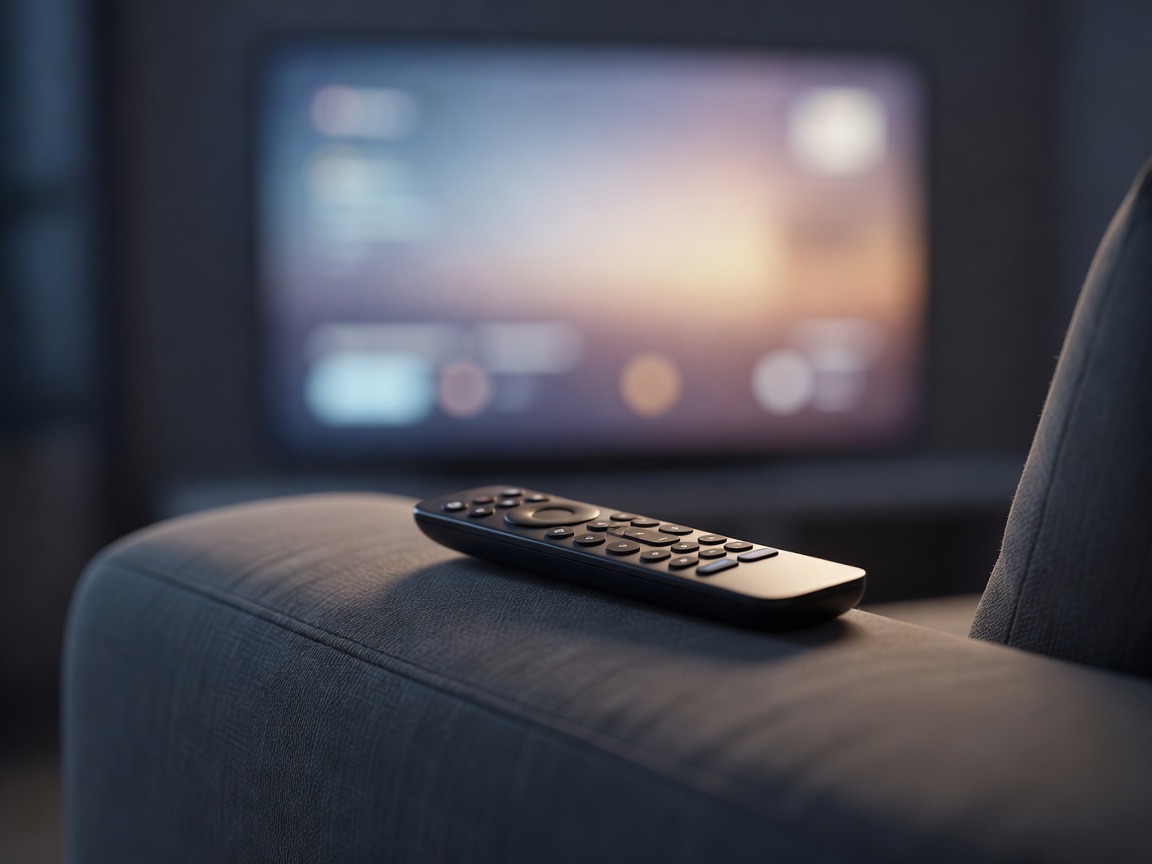
Aluminium body, USB‑C charging, touch-sensitive clickpad ring. Siri voice search is accurate on titles and actors. No backlight, no find-my-remote speaker, but Find My on iPhone can locate the newest version.
Rounded, light, with a customisable star button and a speaker to find it under cushions. Google Assistant handles natural questions well. Runs on AAA batteries.
Backlit buttons, rechargeable, hands-free "Hey Roku" voice, two shortcut buttons you assign yourself and a lost-remote chime. The most practical remote on test.
Fire TV's remote adds an app button and Alexa voice that can also dim the lights or show a doorbell camera. Several branded app buttons you cannot remap.
Triangular, backlit with motion sensing, lost-remote finder and a programmable menu button. Buttons feel firm; voice uses Google Assistant.
Apple tvOS shows your apps in a grid with a "Top Shelf" preview row. Apple promotes its own Apple TV app but otherwise keeps the screen clean.
Google TV is content-first: rows of shows from your services, a large rotating banner and "For you" picks. Excellent for discovery, but sponsored rows appear. An "Apps only" mode strips recommendations out.
Roku OS keeps a fixed grid of tiles you can reorder. Ads sit in a side panel, out of the way.
Fire OS leads with Amazon content and full-width autoplaying promos. It is the busiest of the five.
Android TV on Shield uses an older layout with app rows; it feels dated but rarely gets in your way.
All five offer closed captions, text scaling and screen readers: VoiceOver on Apple TV, TalkBack on Google TV and Shield, Audio Guide on Roku and VoiceView on Fire TV. Roku and Fire TV let you set a PIN for purchases. Google TV supports separate kids profiles with app limits. Apple TV supports multiple user profiles so recommendations do not mix.
For an older relative, our pick is Roku: big tiles that never move, one remote, nothing to relearn after updates. For a tech-comfortable household, Apple TV is the least irritating to live with long term.
Next: which apps run where